The mental load of running a family, finally shared.
One place where every appointment, every task, every "did you remember?" lives — visible to everyone, updated automatically, and off your shoulders.

I didn’t realize how much I was keeping in my head until we started using this. It’s like my brain finally got space again.
— ESTEFANIA C.
I used to be the only one remembering everything. Now I’m not the bottleneck anymore. That changes everything.
— ALEXANDRA M.
Mornings used to be stressful and chaotic. Now I just look at the screen and everyone knows what’s happening.
— JULIE A.
We finally stopped asking each other did you know about this? Everything is just there for everyone to see.
— MATHILDE B.
Even the kids check it themselves now. I don’t have to repeat myself ten times a day anymore.
— FABRICE C.

Stop being the only one who knows what's happening.
Flexboard brings everything together so your family stays aligned.
- One shared view of your family life
- Clear routines your kids understand
- Weekly planning made simple
- Less mental load, more calm at home
- No additional app needed
The invisible work, finally shared
Visibility for everyone, not just you.
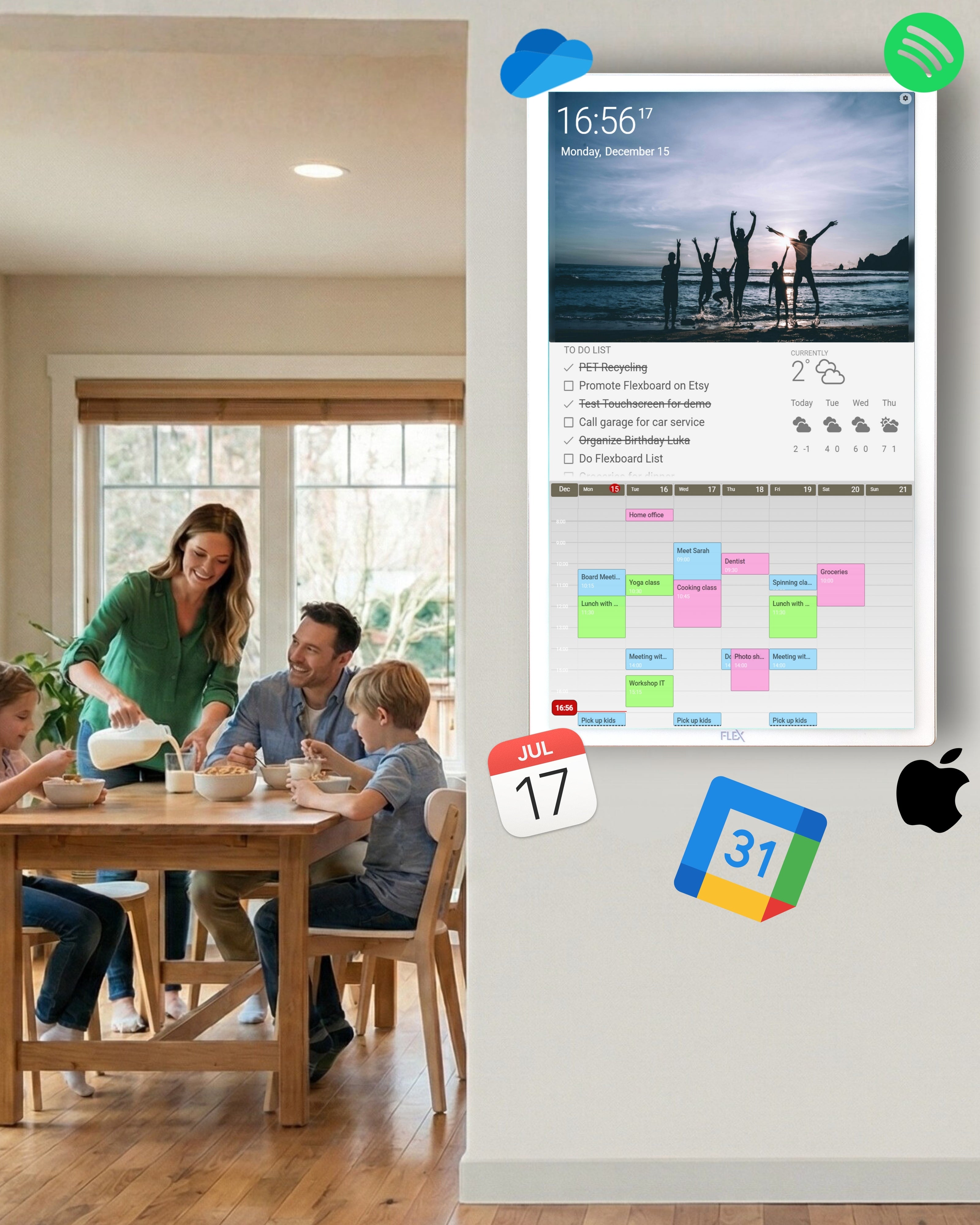
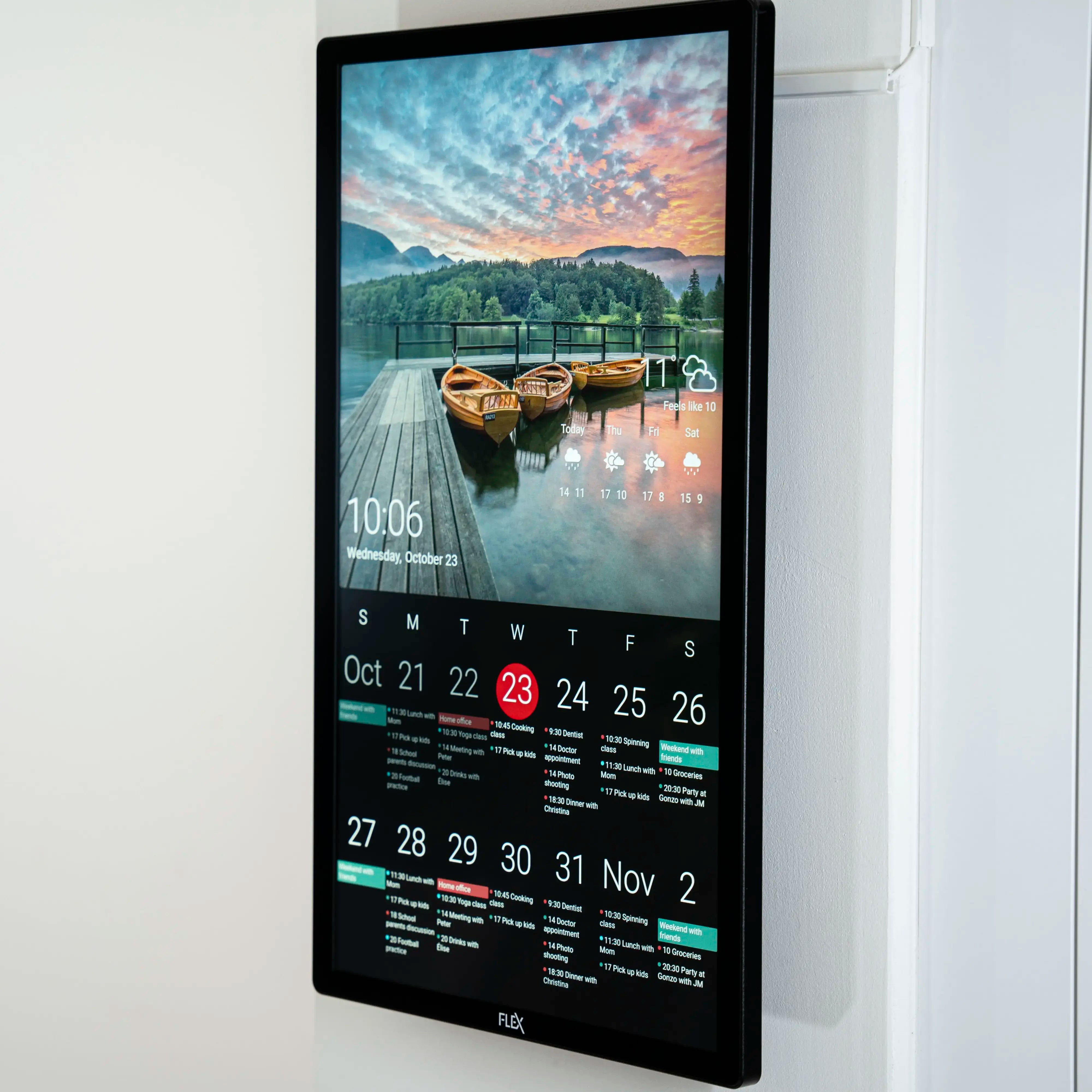
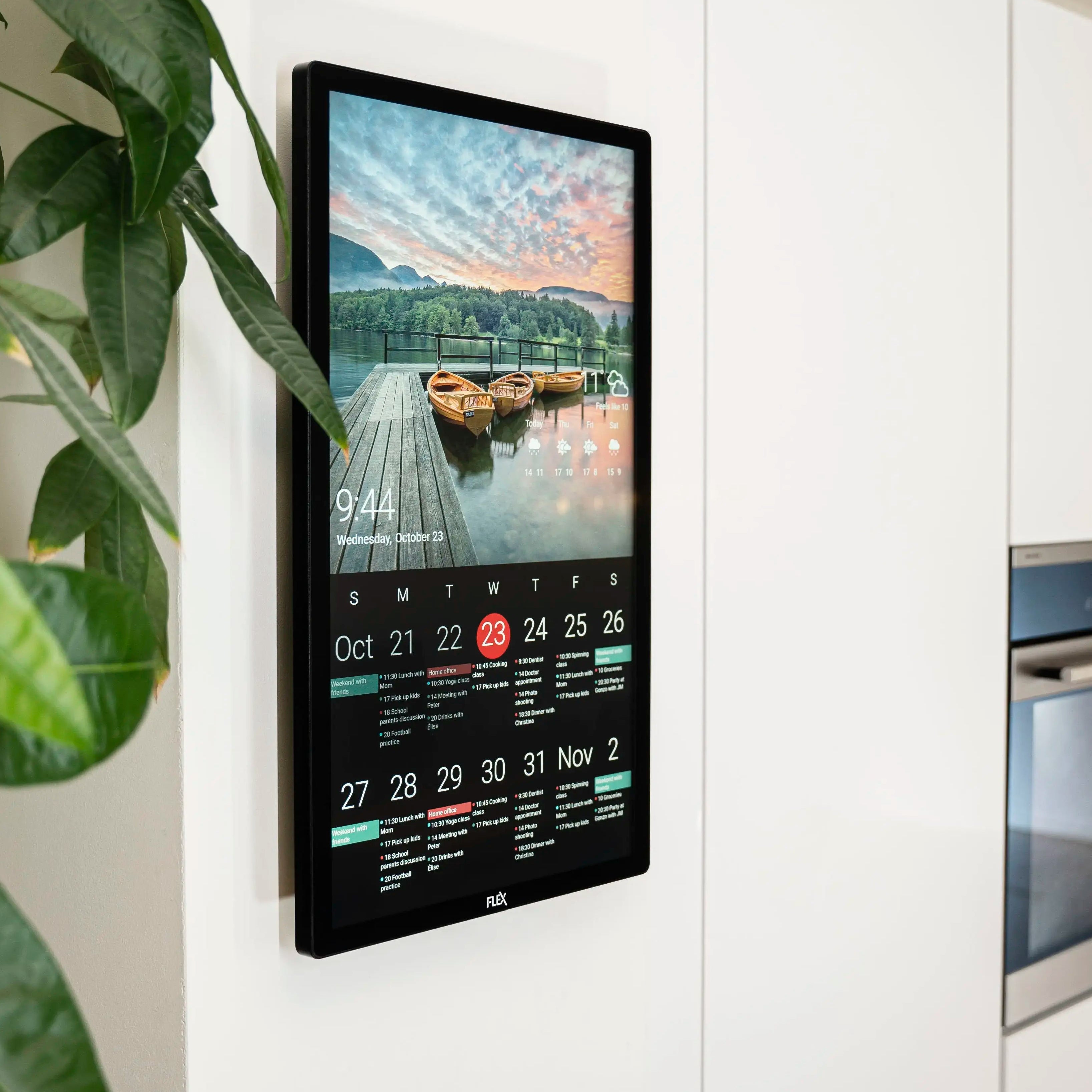
Your calendars (Google, Apple, Outlook), your shared tasks, the week ahead — all of it lives on the wall where the whole family walks past it ten times a day. No app to open. No phone to unlock.
Ownership, shared.
When everyone sees the same schedule, "did you remember…?" stops being your job. Your partner sees football practice. Your teenager sees curfew. All see the weekend activities. You stop being the bottleneck.
Less phone, more presence.
Flexboard isn't another screen you scroll. It's a screen you glance at. No apps, no notifications, no infinite feed. Just what matters, where you need it. Your phone goes back in the pocket.
Which One Fits Your Home? Black or White?


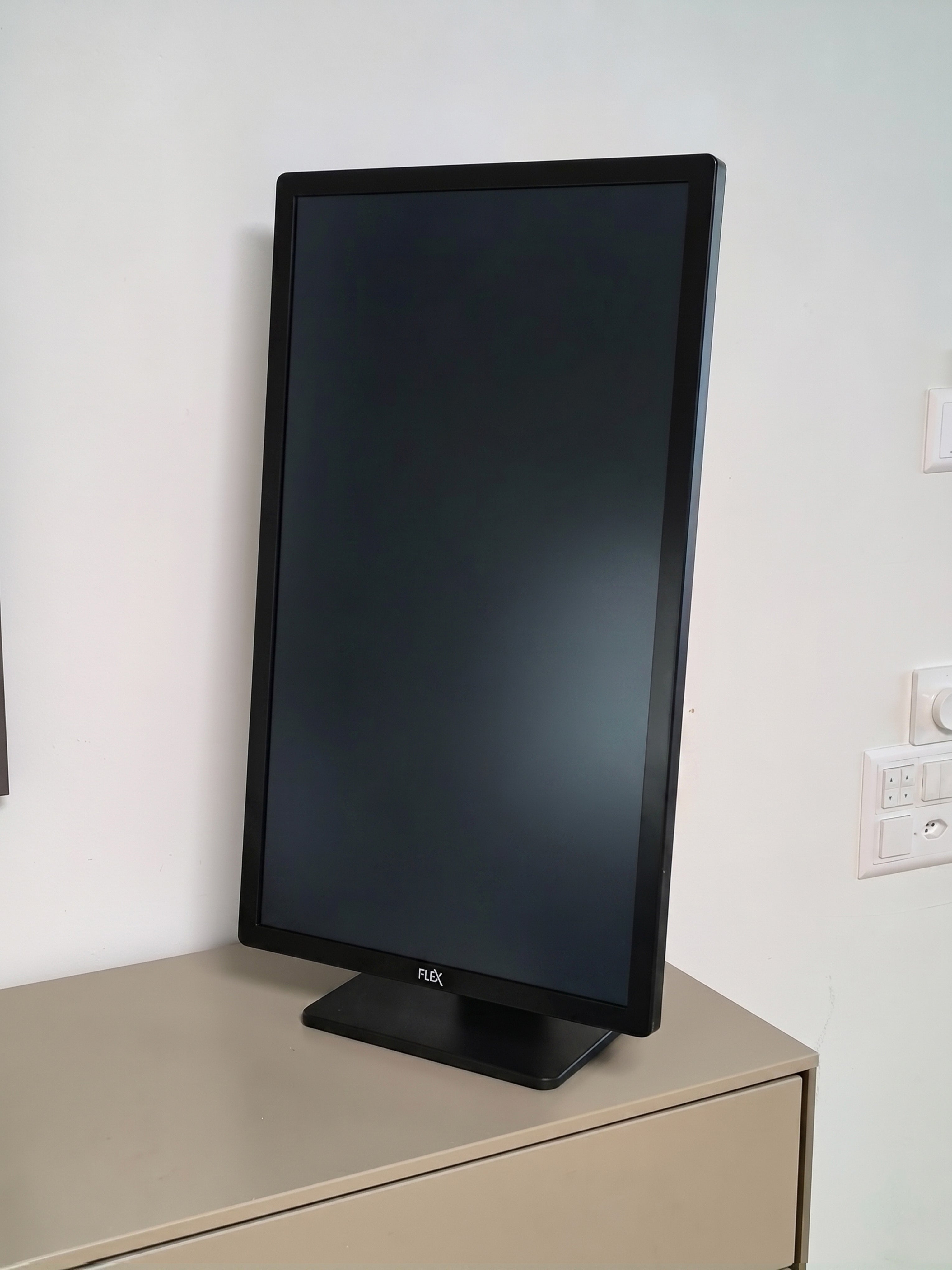
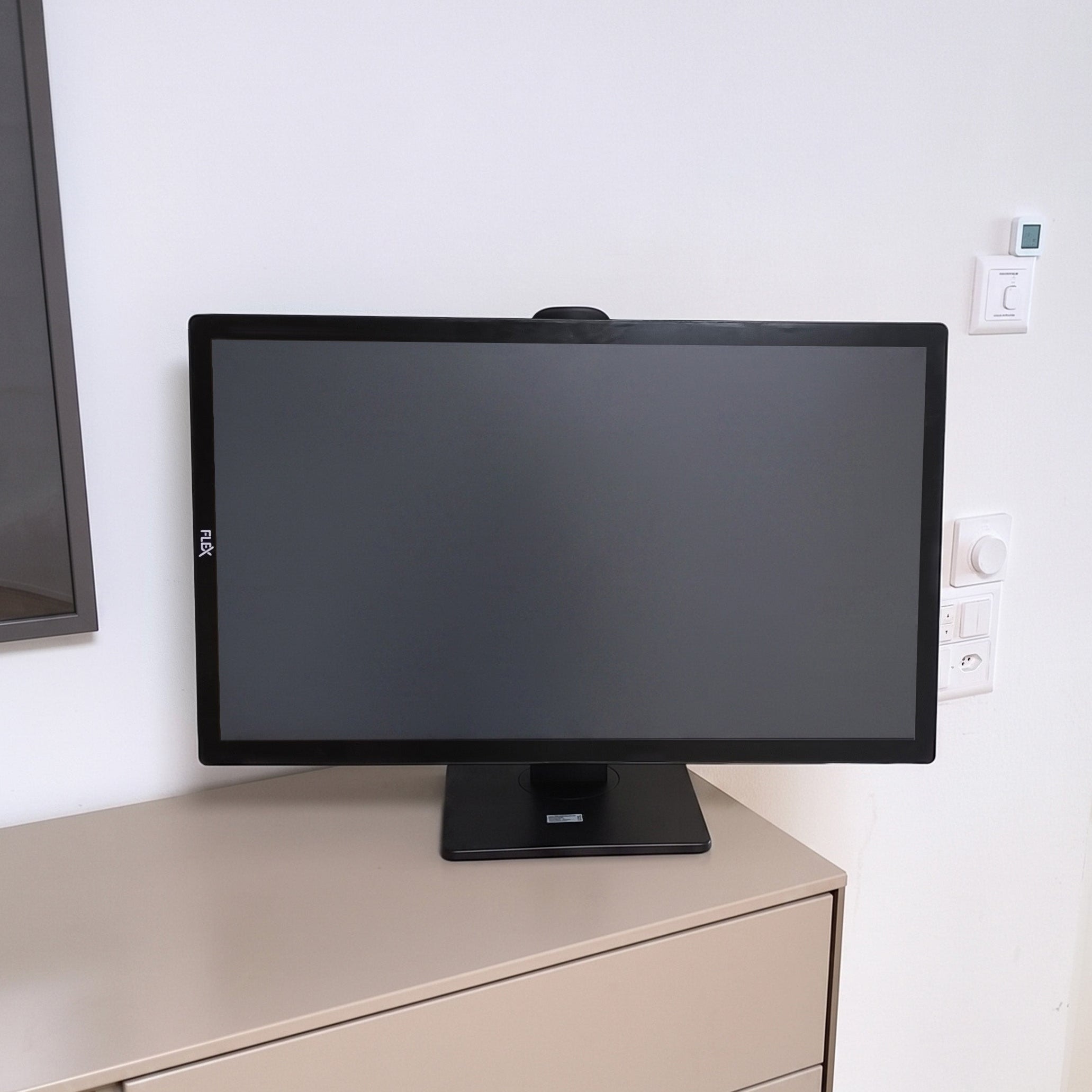
Flexboard Black
Premium presence to your space — blending into the background so your family's schedule stays visible without competing for attention.
Flexboard White
Sits bright and open on your wall — making your family's week impossible to miss, so nothing slips through the cracks.

It works. You don't have to.
Flexboard doesn't need your attention neither actions from you.
- No app to open — nothing to download, log in to, or remember to check.
- No distractions for the kids — yes, it's a touchscreen, but only for what's useful: tick off a chore, switch the view, skip a song. Quick taps, then everyone walks away.
- Always in sync — connects once to Google, Apple, Outlook or other services, then stays current on its own.
- Less time on your phone — the wall does the work, so your phone stays in your pocket.
- Less in your head — stop being the family's reminder system. The schedule lives on the wall now, for every family member.

See Flexboard in Action
Watch how Flexboard brings clarity, style, and smart organization to your everyday life.
From busy mornings to family organization, see why this wall-mounted touchscreen is more than just a calendar.
FAQs
What exactly is Flexboard?
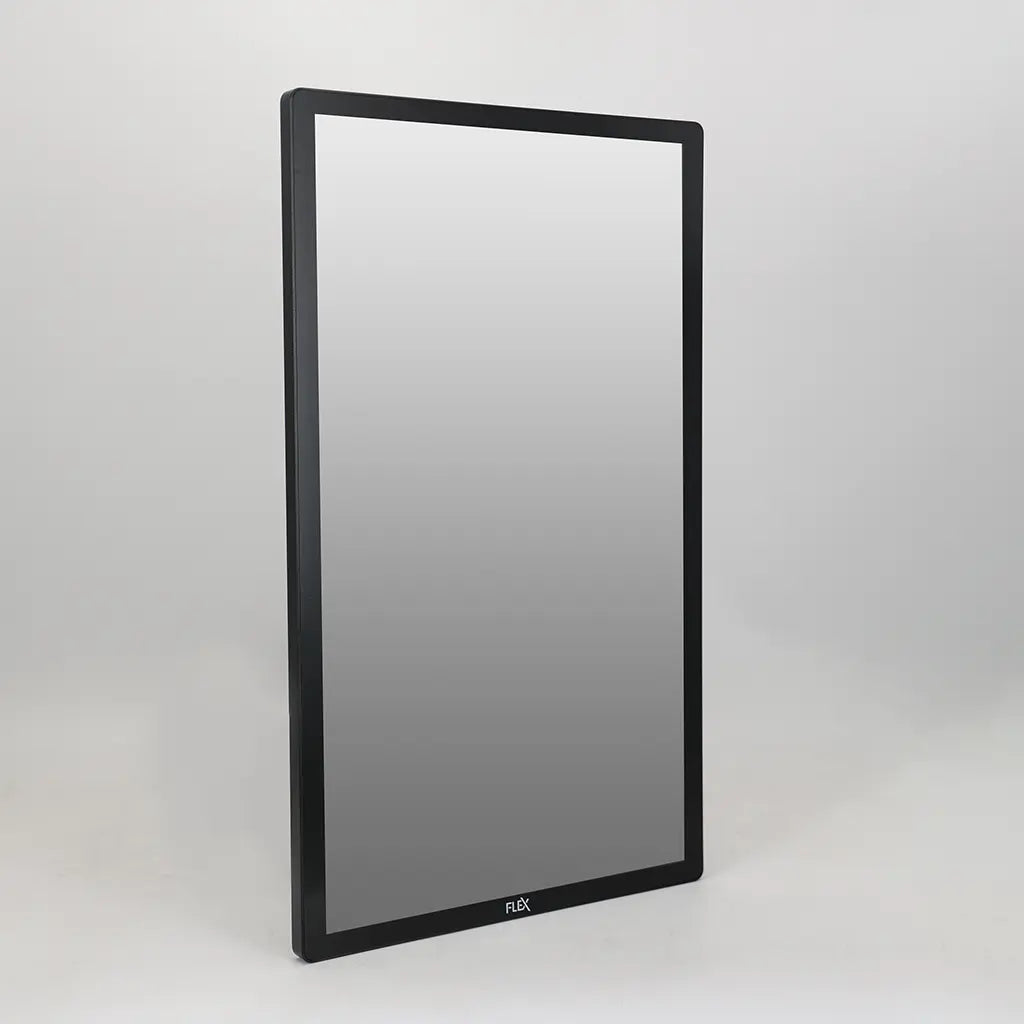
Flexboard is a wall-mounted touchscreen digital dashboard that brings your family’s life into one beautiful, central view.
It displays your shared calendars, to-do lists, weather, photos, and more — all at a glance. Designed for busy families and households, Flexboard makes staying organized effortless and visually clean.
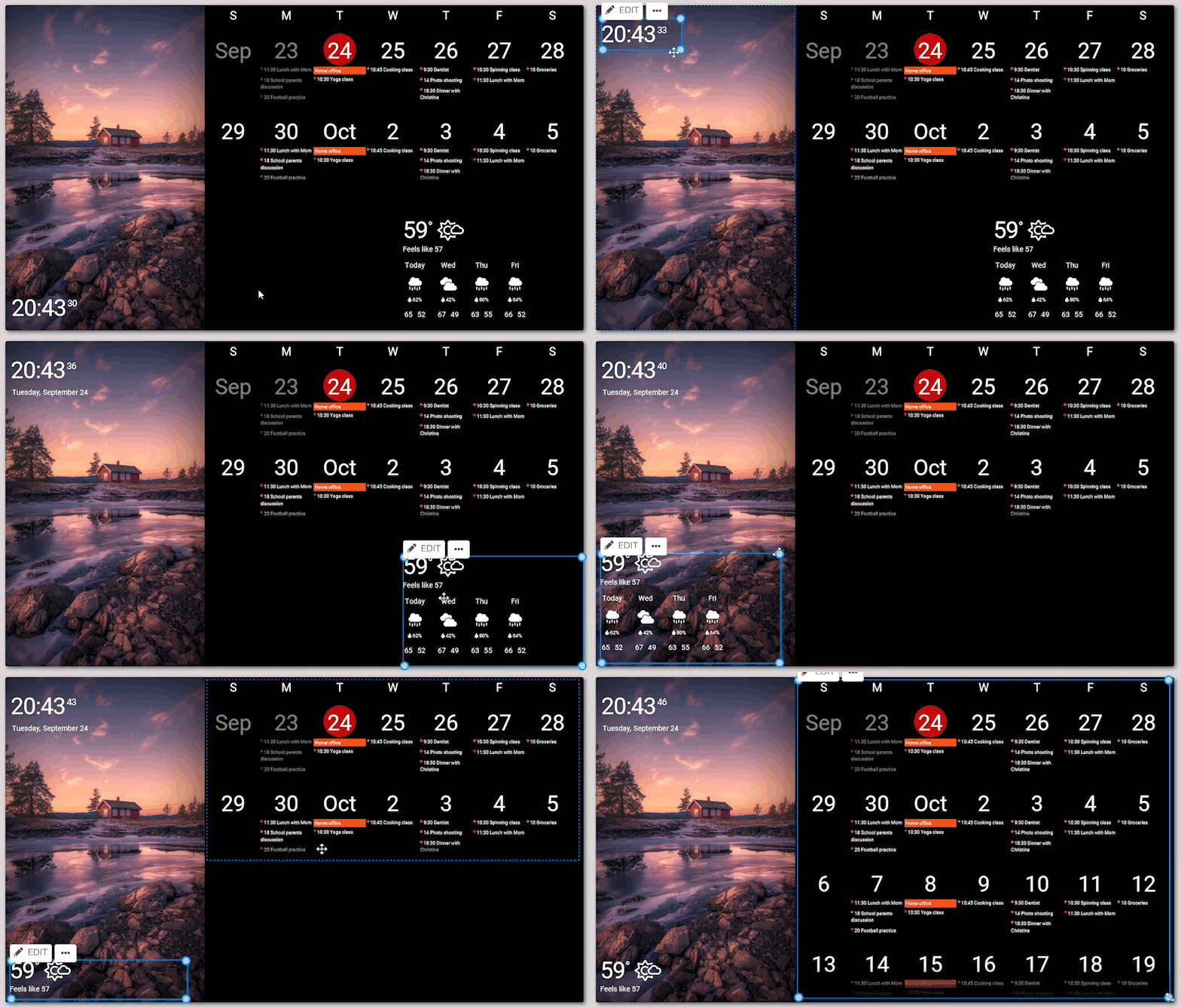
The interface is intuitive and easy to customize with simple drag-and-drop controls. What you see is exactly what you get.
Is Flexboard a tablet?
No. Flexboard is a dedicated touchscreen digital dashboard — not a tablet, not a TV, not a smart speaker. It doesn’t run apps, play movies, or respond to voice commands. Its purpose is to simplify your day. It doesn't run on battery.
Flexboard connects to your existing cloud services like Google calendars, Microsoft to-do lists, weather, Dropbox photos, and more. It simply brings all your key information together in one elegant touchscreen.
When you make a change on your phone or computer — like updating a calendar event or ticking off a task — it instantly updates on your Flexboard. The touchscreen allows you also to interact directly on the Flexboard for those actions.
How do I set it up?
It's plug & play.
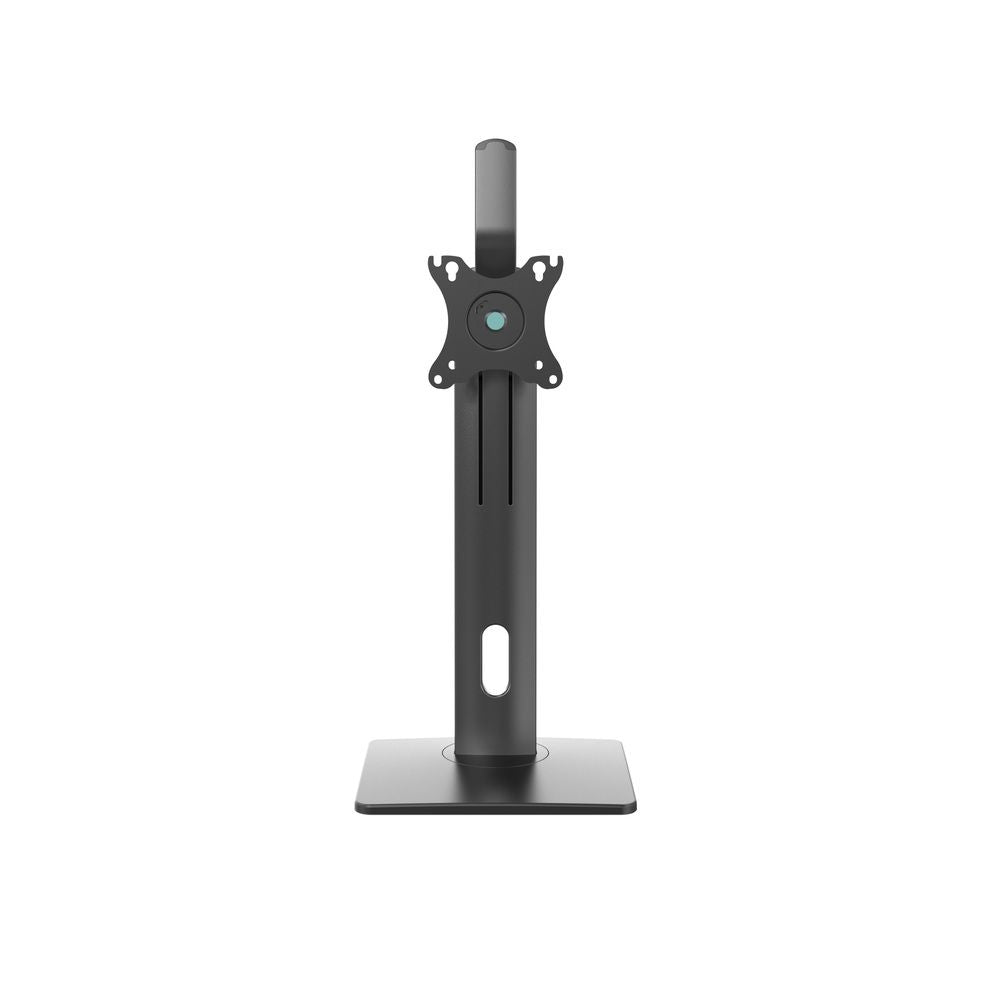
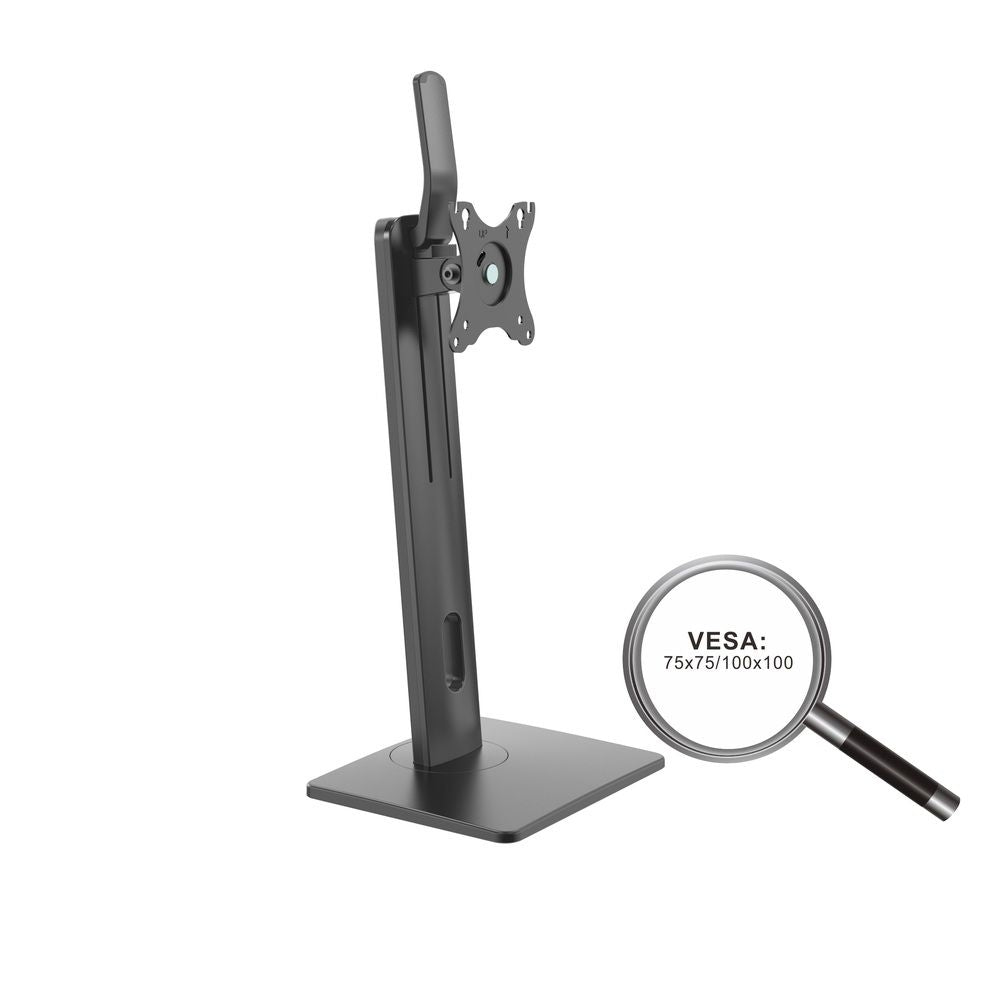
- Mount it to the wall using the included screws and mounting bracket, or use a table stand.
- Plug it in and using the touchscreen, connect to the Wi-Fi in only a few simple steps.
- Log into your DAKboard account and personalize your screen
No complicated installation. Most users are up and running in under 30 minutes, mounting included.
Do I need a subscription?
Flexboard can be used with a free DAKboard account with essential features. To use Flexboard, you have to create an account on DAKboard website (https://dakboard.com)
For more customization (like custom layouts, integrations, custom screens and advanced widgets), you can upgrade to DAKboard’s Essential or Plus plans.
Is Flexboard available only in English?
No! The Flexboard display can be set to German, French, or one of 12 other languages.
Please note that the installation and settings interface are entirely in English. However, the setup is very intuitive and easy to follow, so no advanced English skills are required. Once your Flexboard is configured, you won’t need to adjust these settings again.
If needed, you can use the Google Chrome translation feature, which does a terrific job on the DAKboard website!
Your calendar events, notes, and other content will remain in the language you enter them in — exactly as you write them.
Your apps stay where they are. Keep using what you already use.
Flexboard connects to the services your family already lives in — and shows everything on the wall, automatically.
📅 Calendars ✅ Tasks 📷 Photos 🎵Music 🤖Smart Home and way more...
Connect once. From then on, anything you add, change or tick off appears on the Flexbaord on its own.
You don't change a single habit. You just see it differently.












Shop Flexboard Now
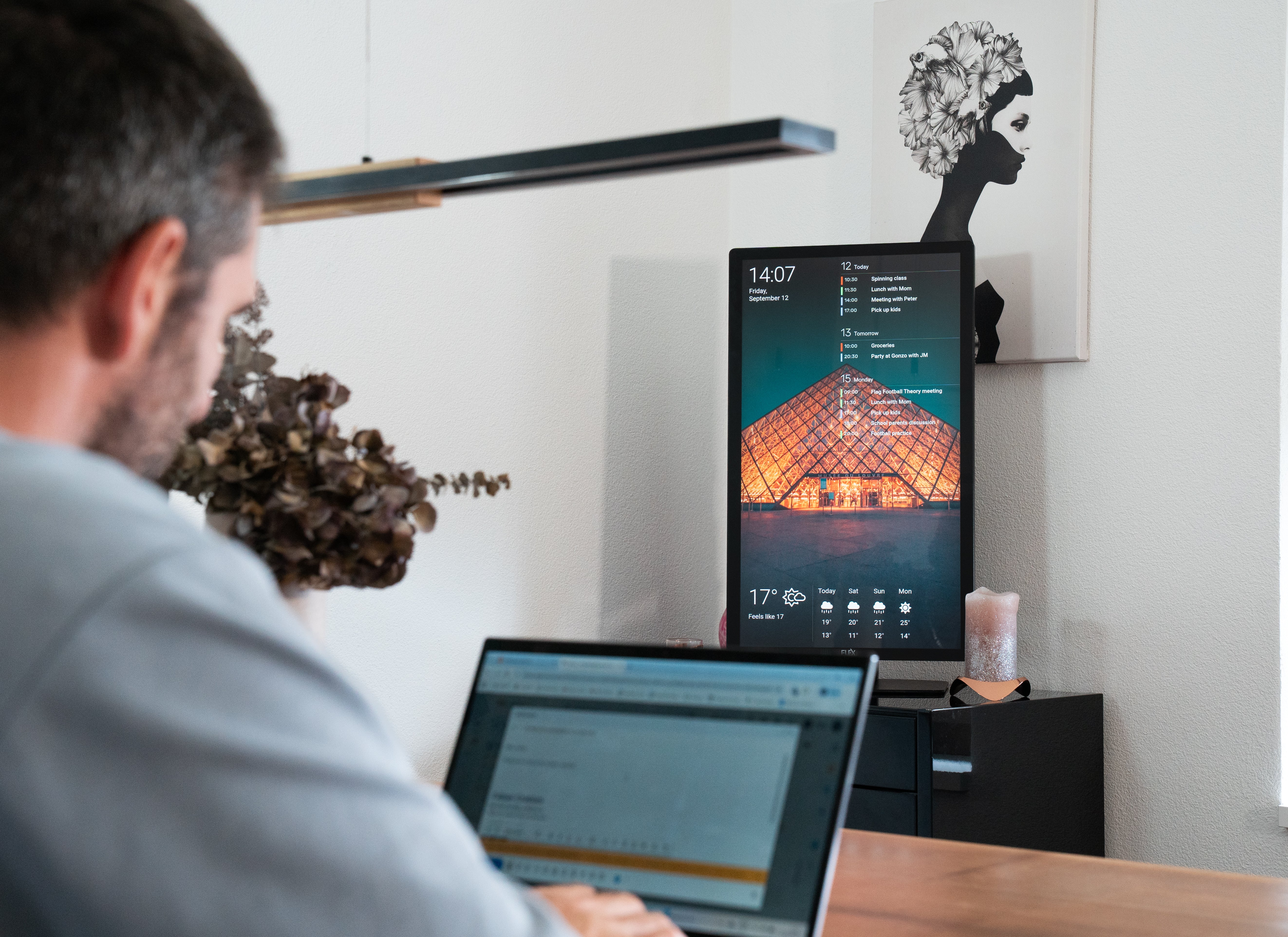
Flexboard, powered by the software DAKboard

User-friendly software: Designed for those with no IT knowledge.
Simple drag-and-drop setup: Customize quickly and effortlessly.
Rock-solid performance: Reliable and efficient for everyday use.
Dedicated customer support: Ensuring a seamless experience for all users, no tech expertise needed.